| |
Collage
Description
In Computer
Aided Geometric Design, the de Casteljau algorithm is
probably the most important algorithm. Paul de Faget de Casteljau
invented it in 1959. In fact, the flavor of this algorithm
is repeated in Aitkens algorithm for polynomial interpolation,
the de Boor algorithm for B-spline evaluation, and subdivision.
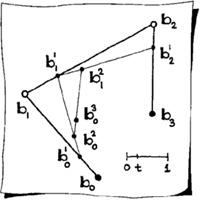
See The Essentials of CAGD for details; the sketch
below has been extracted from the book.
|
|
The
idea is simple: start with the polygon b0, b1,
b2, b3 as in the sketch, and repeatedly
apply linear interpolation based on a given t-parameter.
For a number of t-parameters, this generates
a curve. The central figure in the collage illustrates
just this.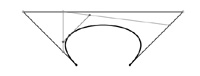
|
| |
|
|
A
neat thing about Photoshop is that it incorporates all
kinds of interesting mathematics, and the average user
has no idea! (See also the crystallize
example below.)
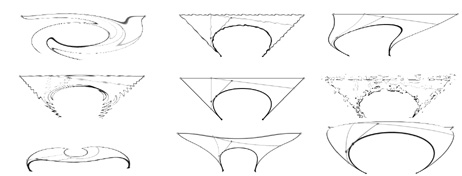
The
collage (between the navigation links) on my website
is a simple application of the Filter-->Distort
controls available with Photoshop. Below I have listed
the filters used, and I have provided larger images.
(For each fileter, there are lots of parameter which
allow you to create a wide variety of images.)
|
|
twirl
|
ripple
|
shear
|
|
zigzag
|
standard
|
ocean
ripple
|
|
polar
|
pinch
|
spherical
|
|
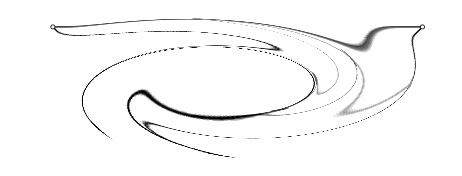 |
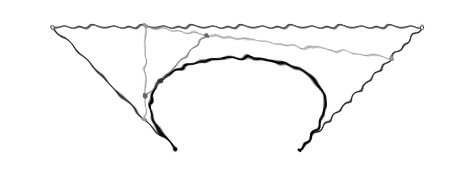
Twirl:
This is my favorite; this result came about simply by
chance. |
 |
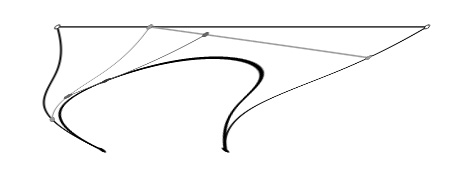
Ripple |
 |
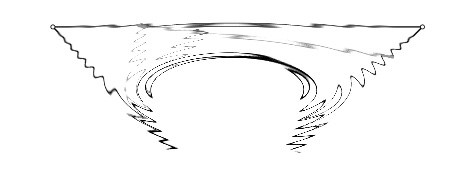
Shear |
 |
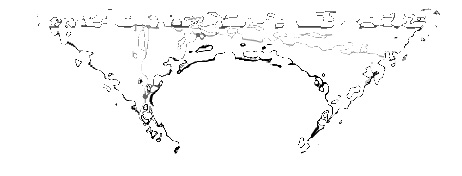
ZigZag |
 |
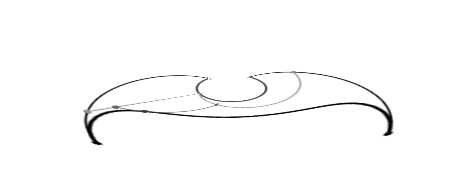
Ocean
Ripple |
 |
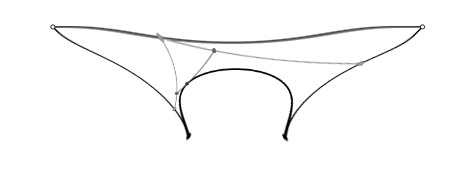
Polar |
 |
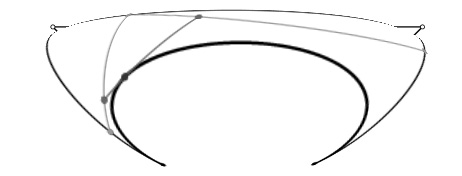
Pinch |
 |
Spherical |
| |
|
|
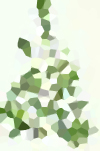
Crystallize
You
can create a Dirichlet tessellation (Voronoi diagram)
in Photoshop. Simply take a bitmap and apply the Pixelate->Crystallize
filter to it. The separation bars on this webpage were
created this way; the original graphics were simply
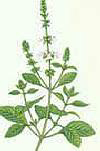
blotches of color. Another example: the basil plant
picture on the left was "crystallized" to produce the
image on the right. Neat! Photoshop selects a random
sample of pixels from the original image, tessellates
the pixels, and then colors the tiles based on the color
sampled at each pixel.
|
 |
 |
| |
|
|
|